
Deleting your organisation
Overview
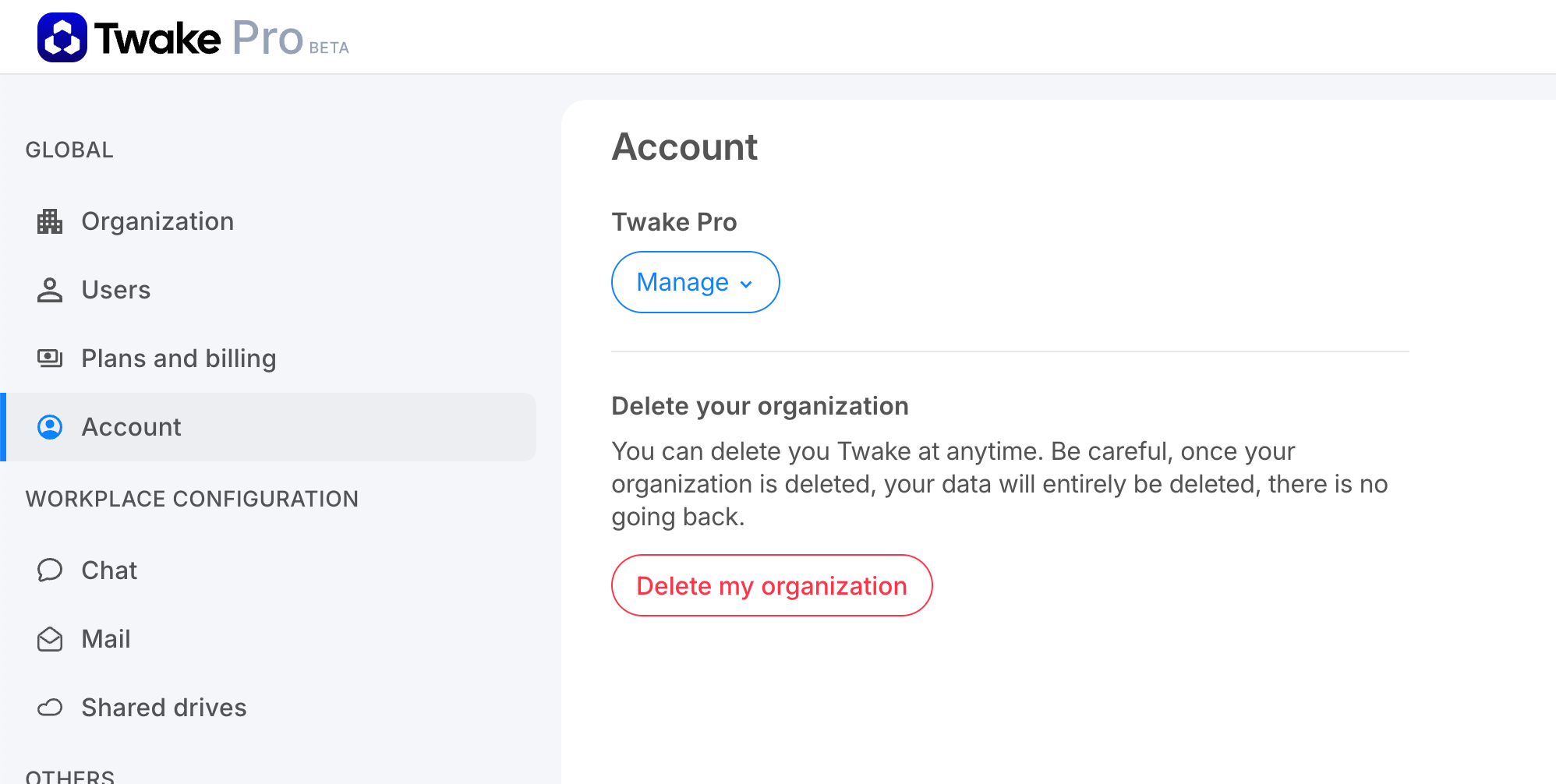
Deleting your organisation permanently removes your Twake workspace, all member accounts, and all related data. This action is available from the Account tab.
⛔
This action is permanent and irreversible. All member accounts, files, emails, and chat history will be deleted. Export any important data before proceeding.
Before you delete
- Notify all members in advance.
- Export or download any data you need to keep.
- Cancel your active subscription first — see Cancelling your subscription.
How to delete your organisation
1. In the Business dashboard, click Account in the left sidebar.
2. Click Delete my organization.
3. Read the warning carefully and confirm.
⚠️
Only the Owner can delete the organisation. Administrators do not have access to this action.
Frequently asked questions
What happens to members' personal Twake accounts?
Their personal Twake accounts are not deleted — only their membership in the organisation is removed.
Will I still be charged after deletion?
No further charges occur once the organisation is deleted. Contact support@twake.app for billing questions.