Removing a member from a team
Overview
Removing a member from a team only removes their team assignment. It does not delete or block their organisation account.
The member can continue accessing Twake according to their role and other team assignments.
How to remove a member from a team
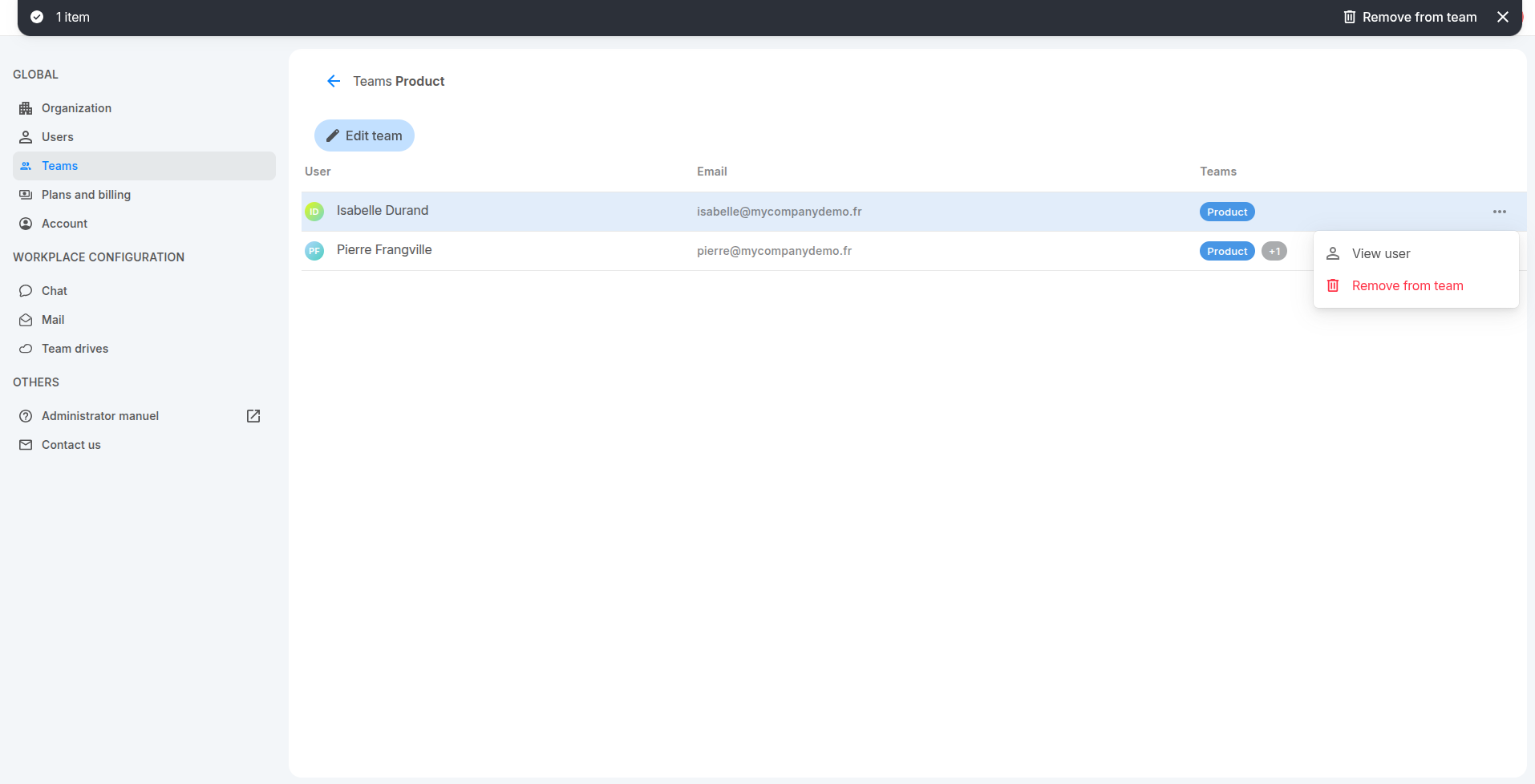
- Go to Teams.
- Click the team’s name to open it.
- Click on the member you want to remove then click Remove from team from top bar or click 3-button on the member’s row then select Remove from team.
The member is removed immediately from the team
You can select View user from the same menu to open the member’s profile.
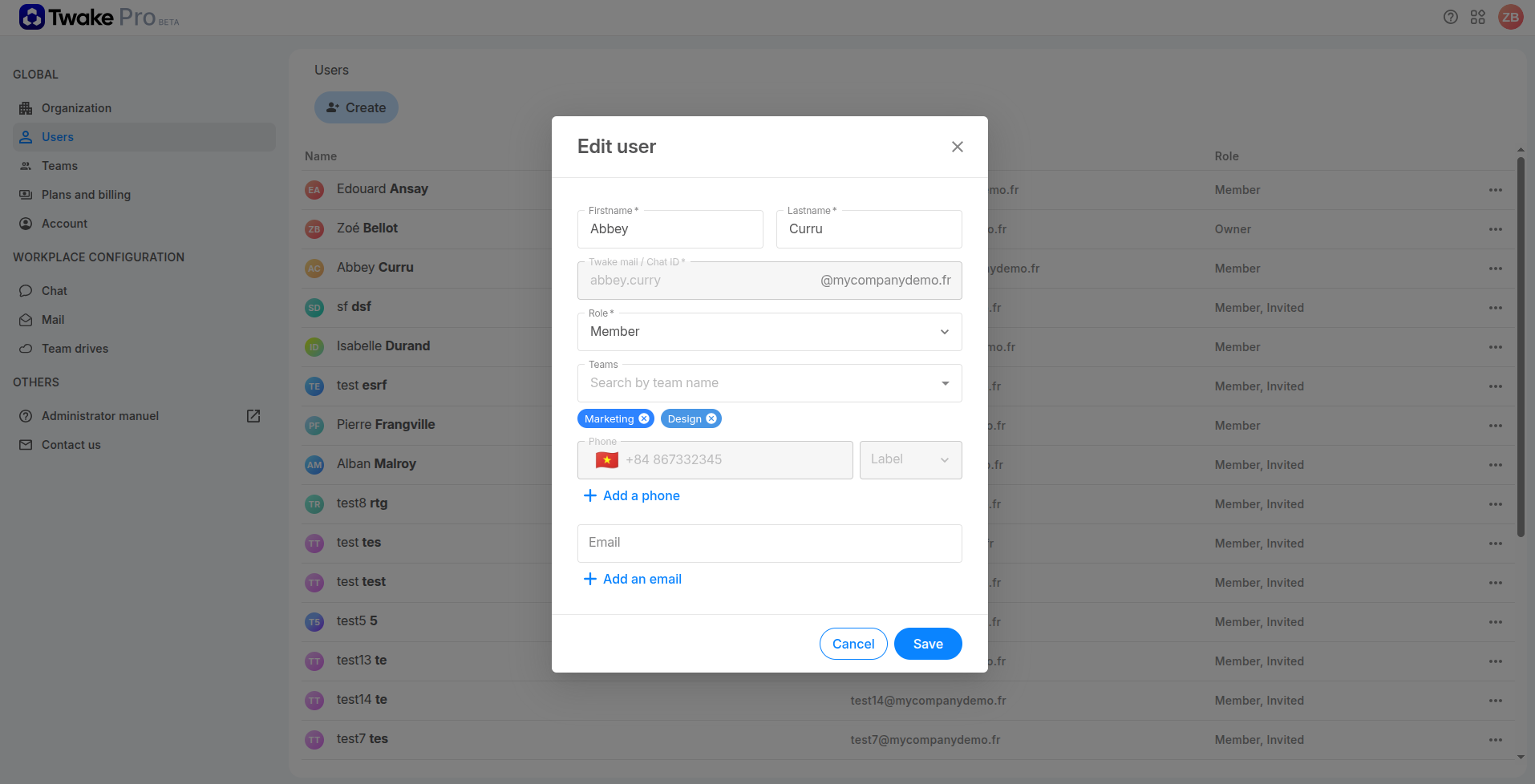
Remove a team from a member’s profile
- Go to Users.
- Click ⋯ on the member’s row and select Edit.
- Find the team below the Teams field.
- Click × on the team label.
- Click Save.