
Getting started with the Business dashboard
What is the Business dashboard?
The Business dashboard is the administration interface for your Twake organisation. It lets you manage members, configure your company domain, assign roles, and handle your subscription — all from one central place.
This documentation is intended for Owners and Administrators only.
Accessing the Business dashboard
1. Sign in to your Twake account.
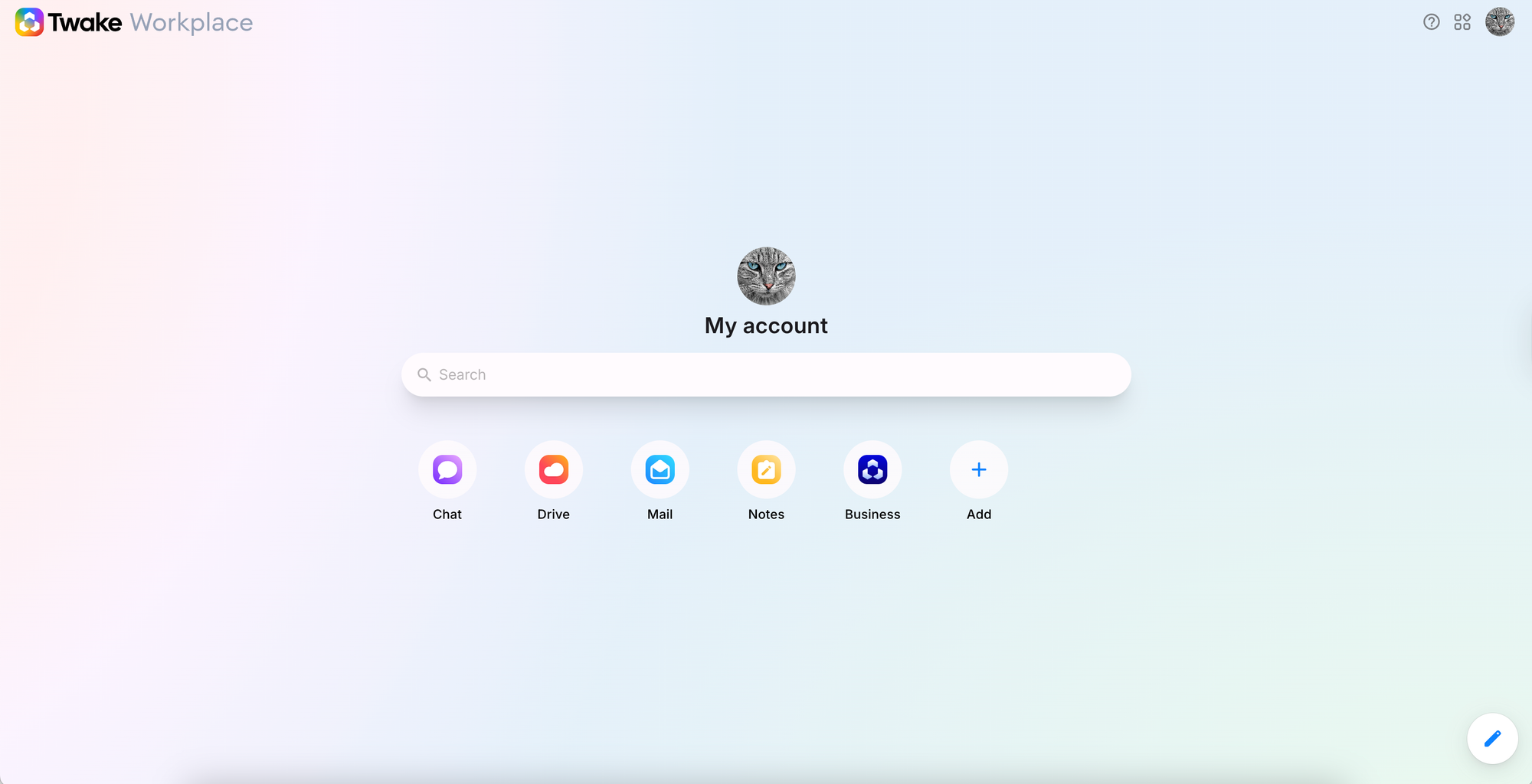
2. On the Twake Workplace home page, click the Business app icon.
💡
The Business icon is only visible to members with the Owner or Administrator role.