
Editing a member's profile
Overview
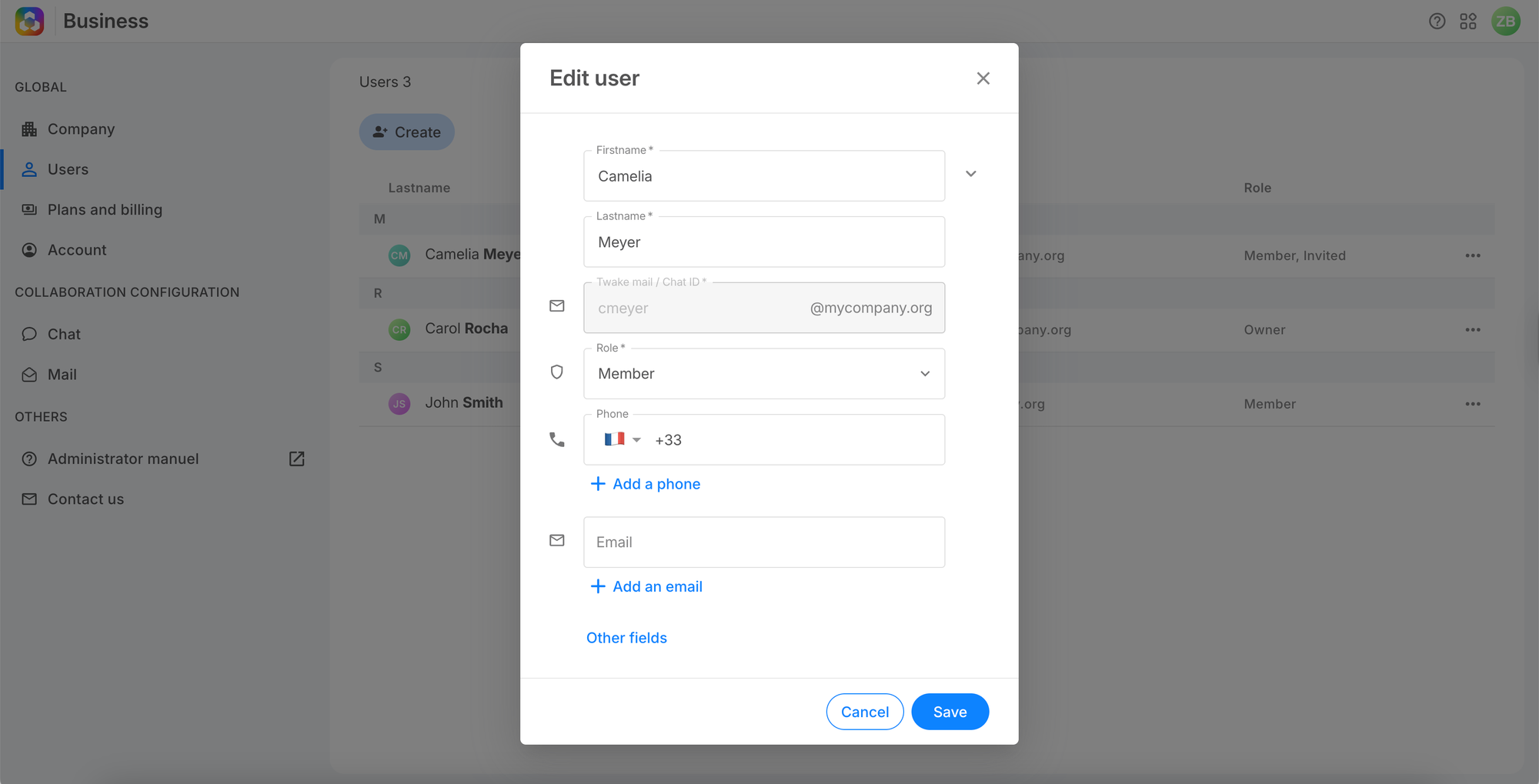
You can update a member's profile at any time. The only field that cannot be changed is the Twake mail / Chat ID.
How to edit a member
1. Go to Users, click ⋯ on the member's row, and select Edit.
2. Update first name, last name, phone number, email, or role.
3. Click Save.
💡
Changes take effect immediately.
Frequently asked questions
Can I change a member's Twake ID?
No. You would need to remove the member and create a new account.
Can a member edit their own profile?
Yes — from their personal account settings. Role changes can only be made by an Owner or Administrator.